SPECIFICATIONS
Assembly Mode: Portable Recorder
Battery: None
Battery Life: need connect power
Brand Name: JMCQ
Built-in Screen: Yes
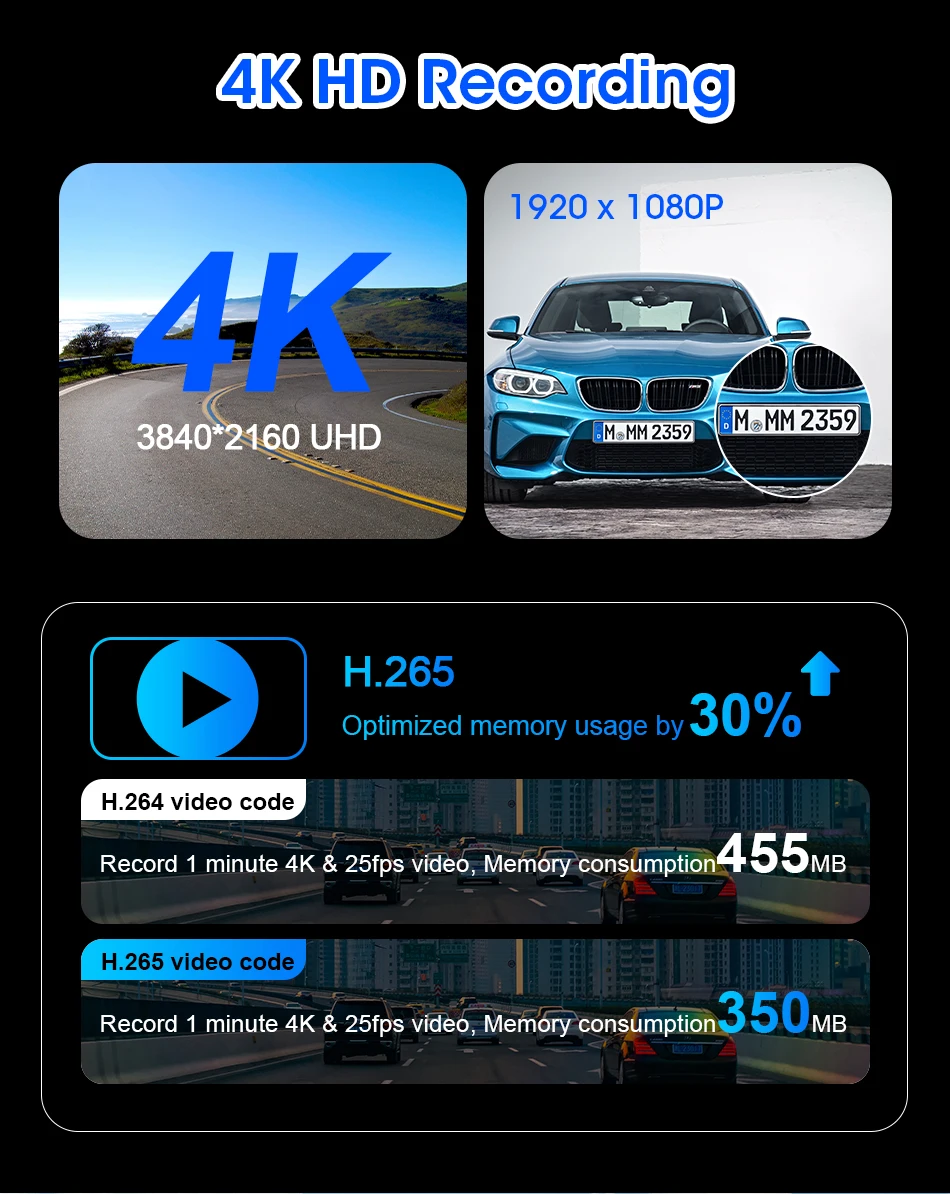
Camera Resolution: 3840x2160
Certification: CE
Chipset Manufacturer: Allwinner
Choice: yes
Display: IPS
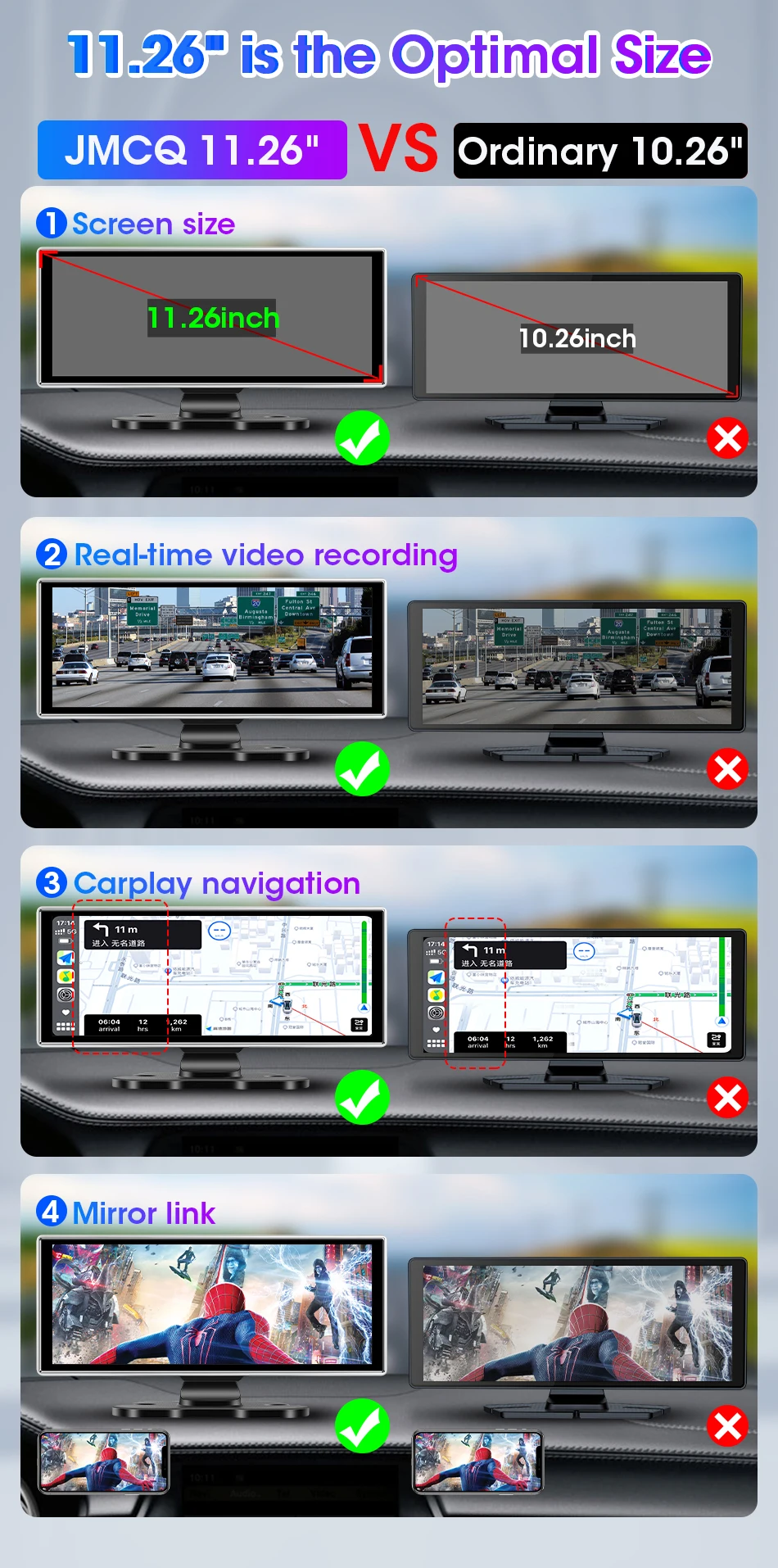
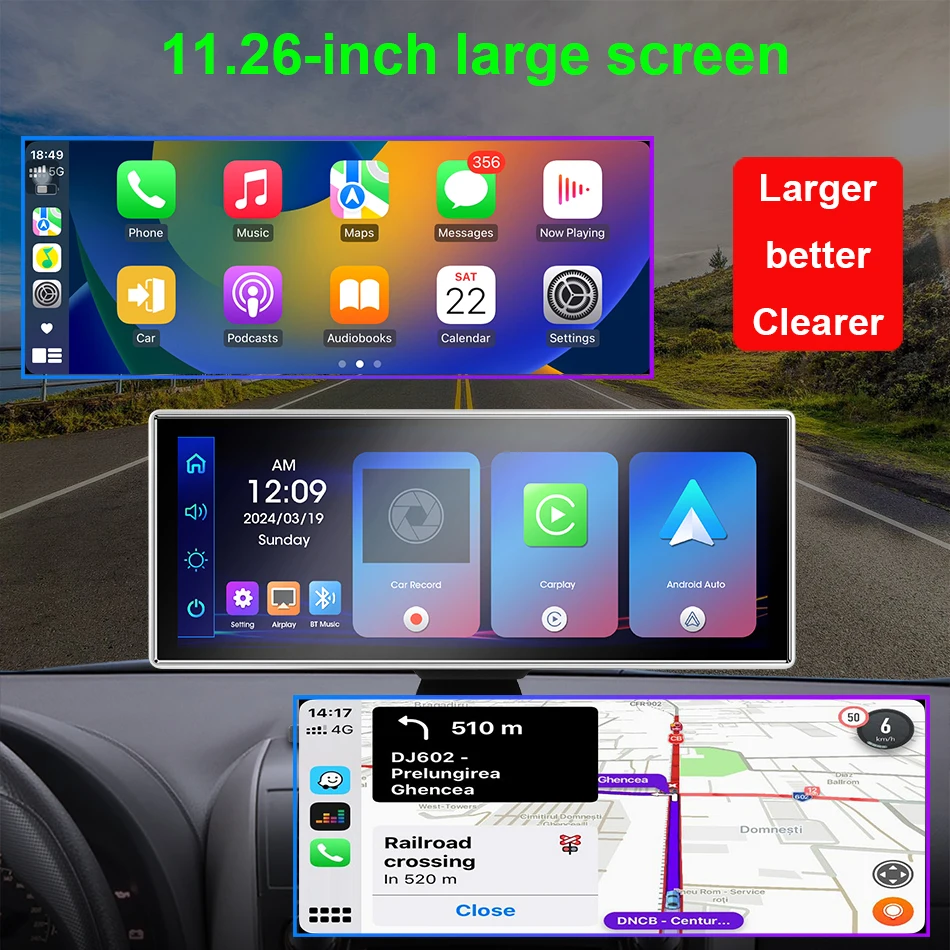
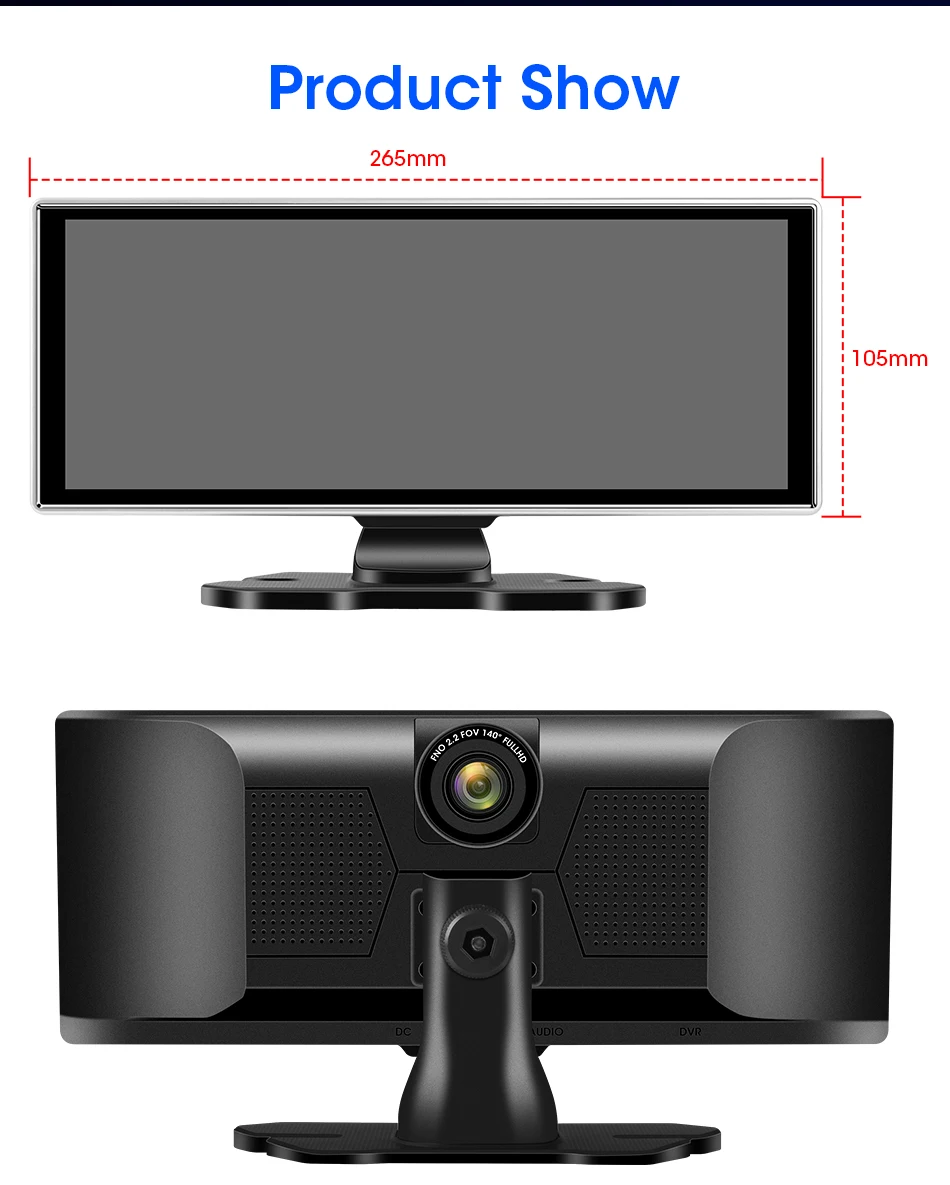
Display Size: 11.26inch
Frames Per Second: 30
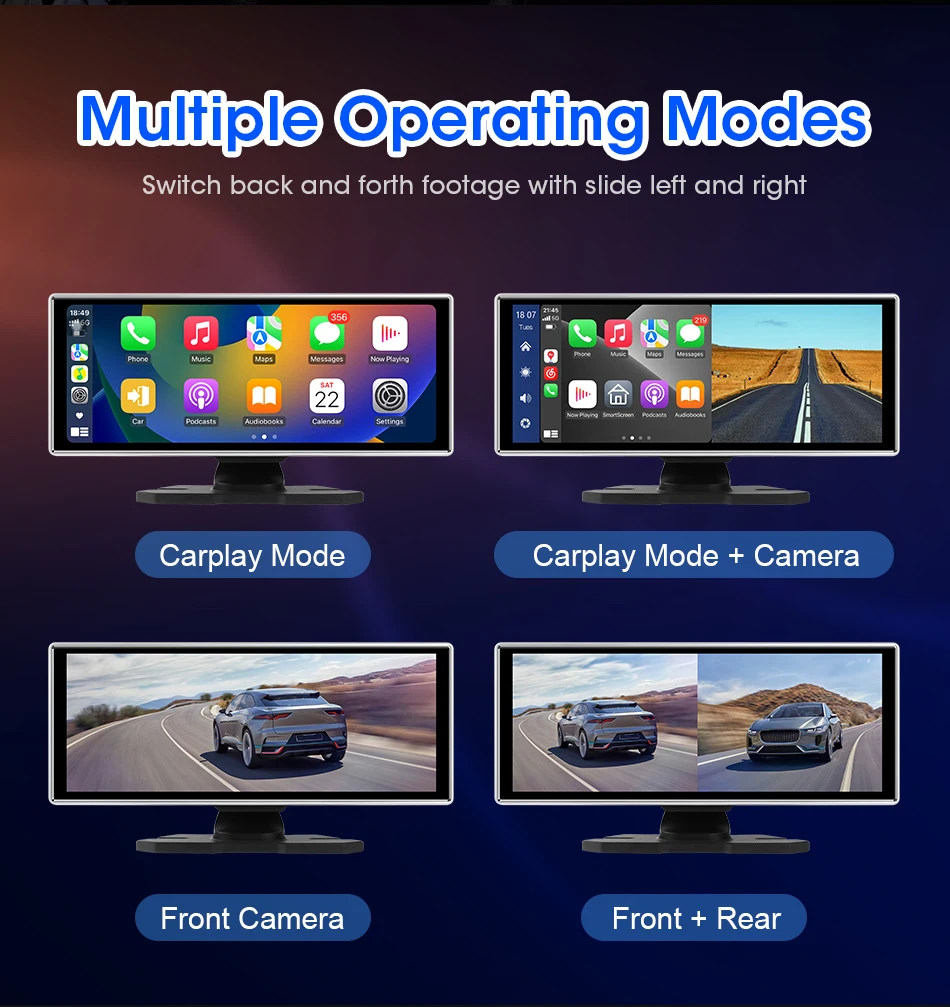
Front and Rear Camera: 1:1 display
GPS logger: NONE
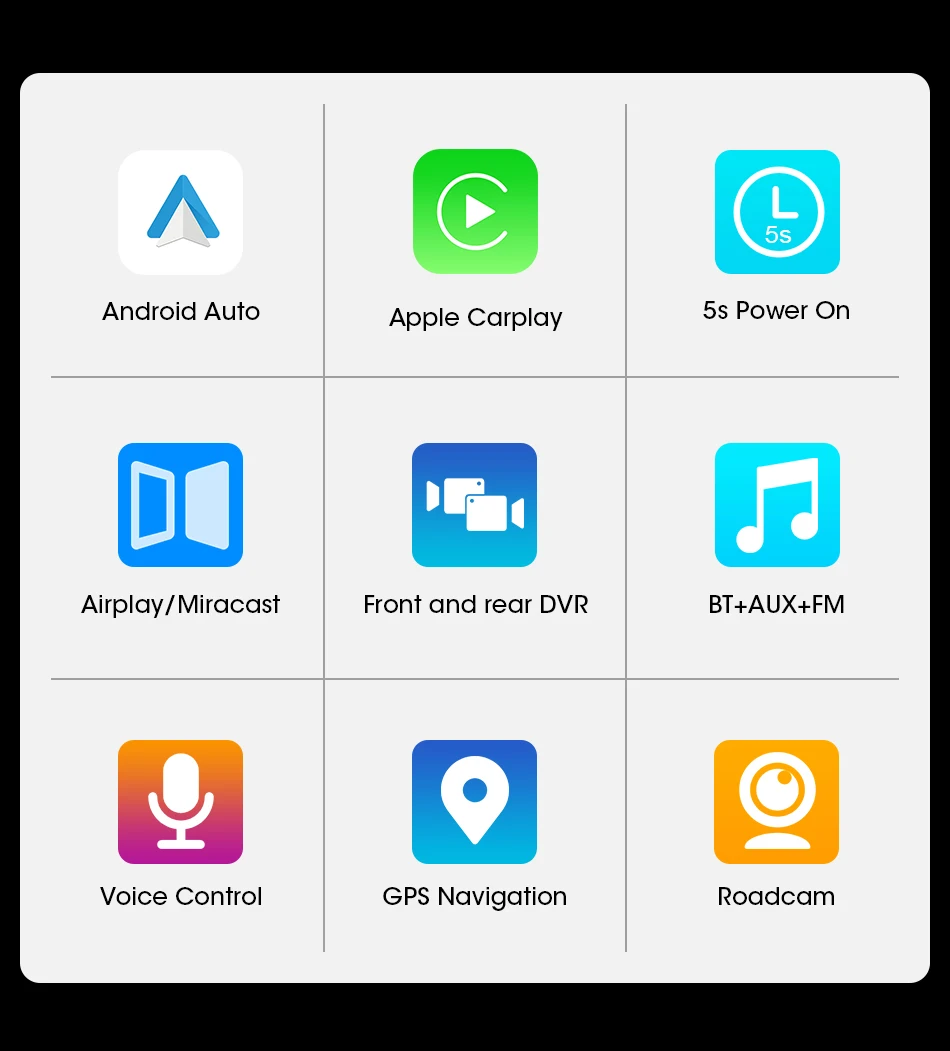
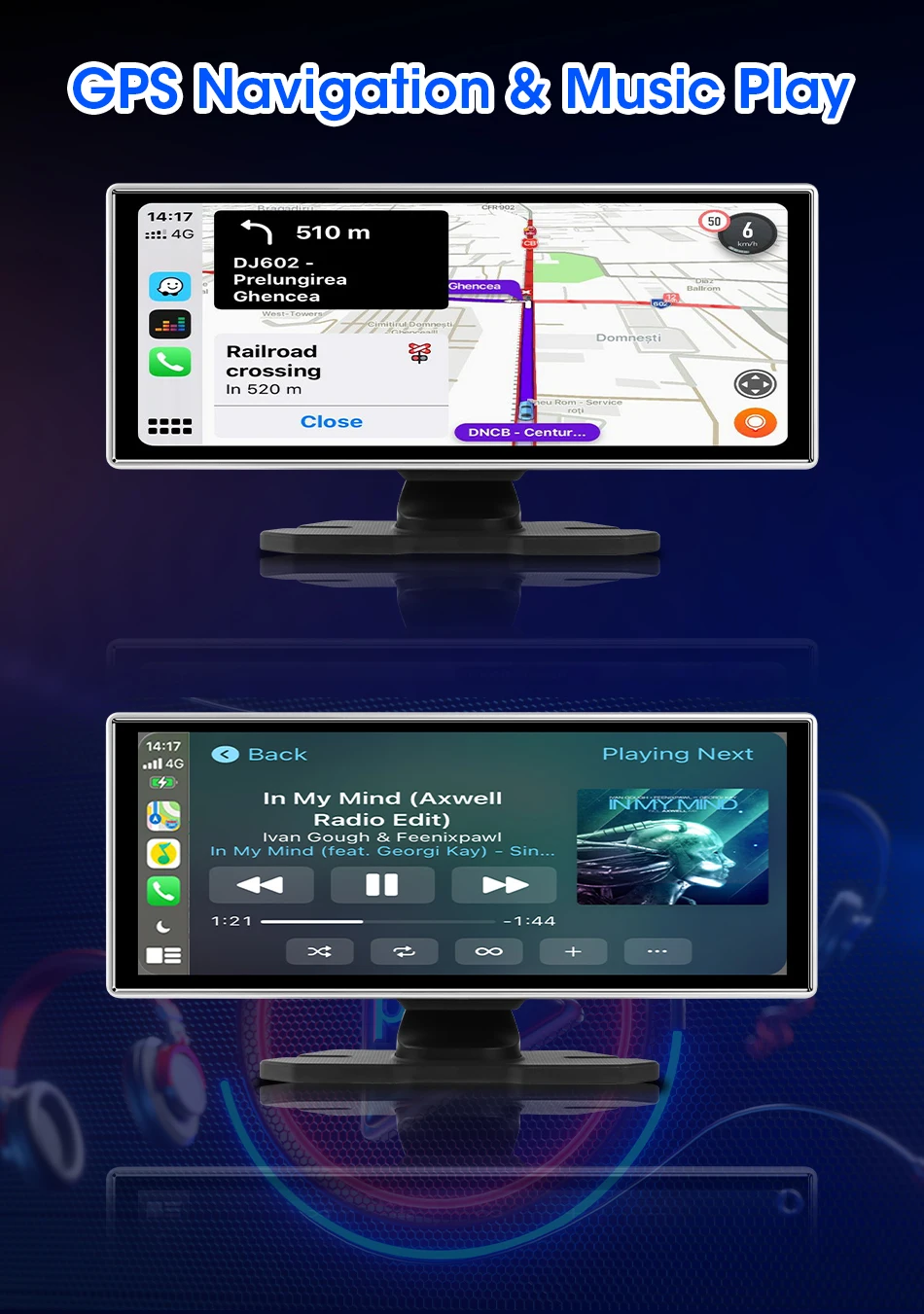
GPS navigation: Supported in Carplay mode
High-concerned chemical: None
Imaging Sensor: 1/3"Sony Ccd
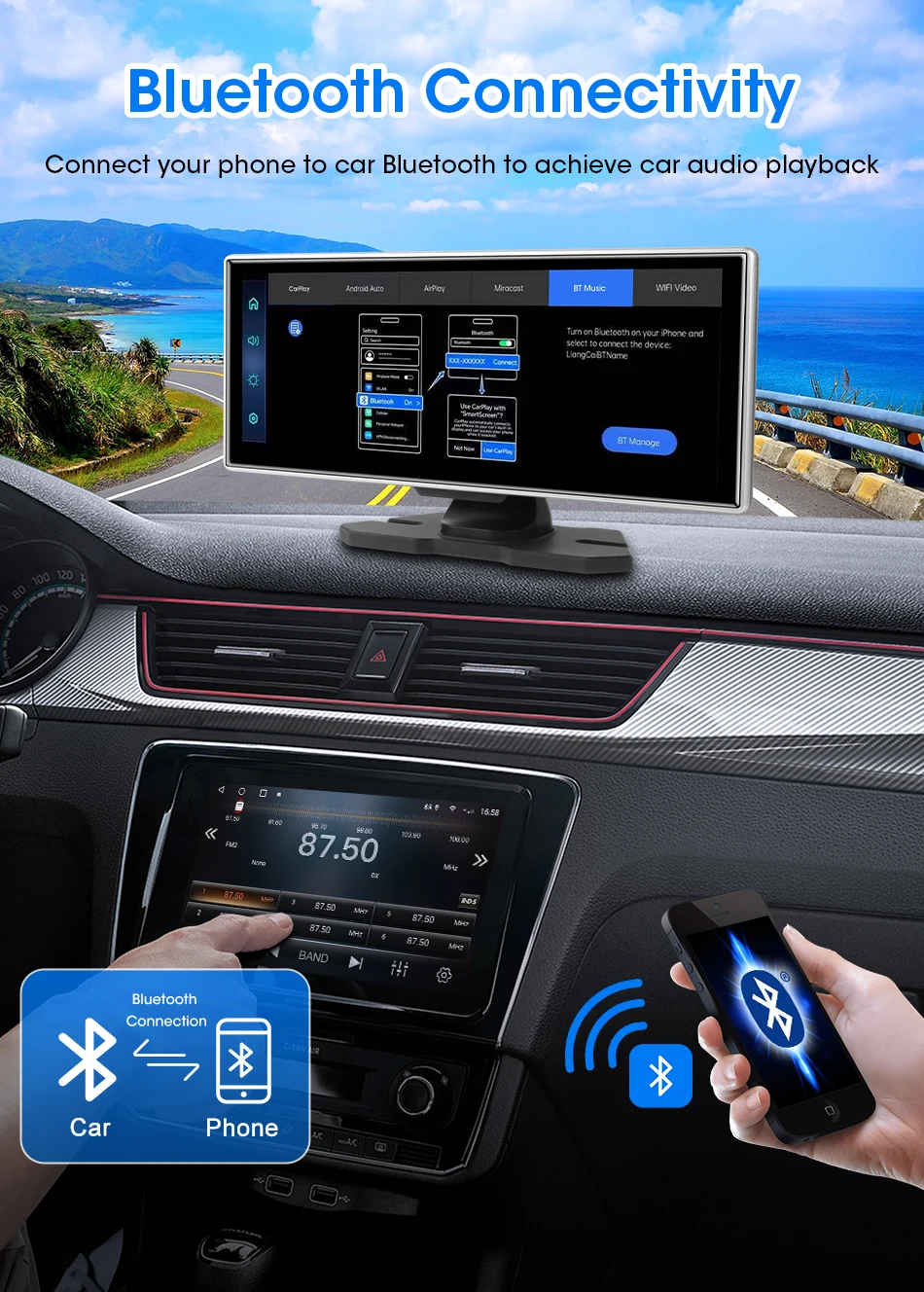
Interface: AV-In,Bluetooth,Wi-fi,Micro SD/TF,Type-C
Is Batteries Included: no
Item Type: Car DVR
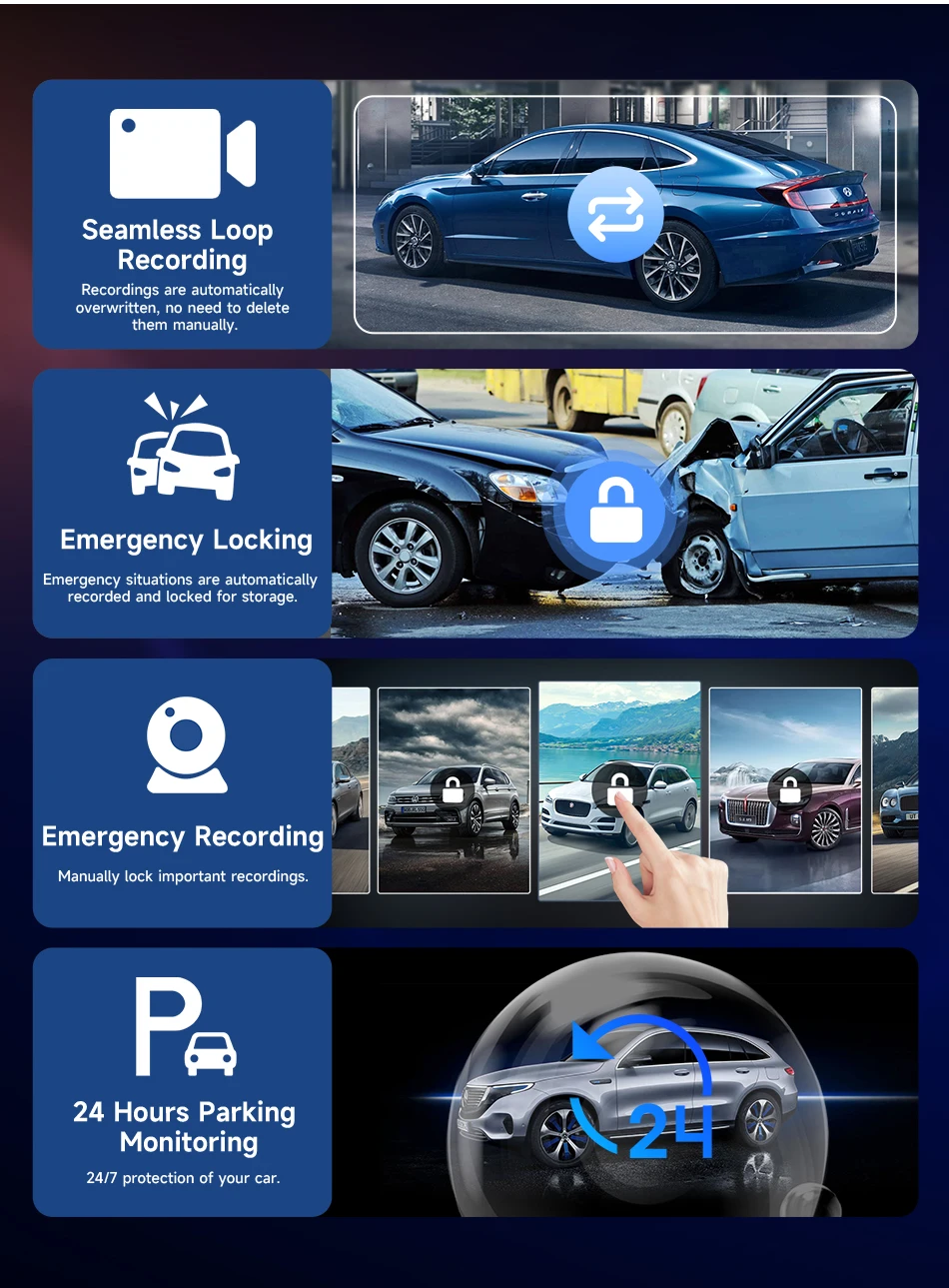
Loop-Cycle Recording Feature: Yes
Max External Memory: 256G
Memory Card Required Reding Speed: Class 10
NightShot Function: Yes
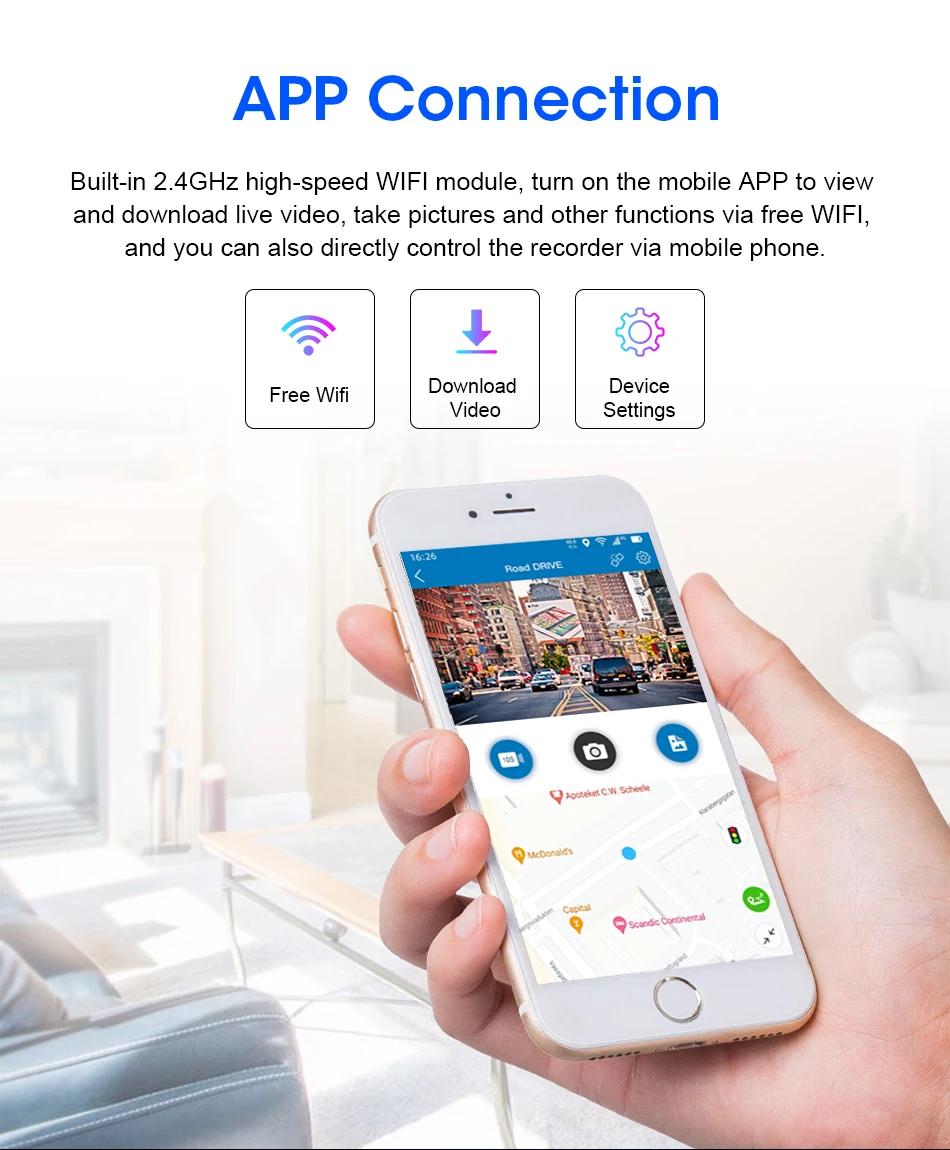
No Android system: Unable to download APP
Number Of Lenses: 2
OSD Language: Chinese (Simplified),Chinese (Traditional),English,French,German,Italian,Japanese,Korean,Russia,Russian,Spanish
Origin: Mainland China
Original Package: Yes
Pixels: 1800Mega
Play music: Supported in Carplay mode
Power Source: Corded electric
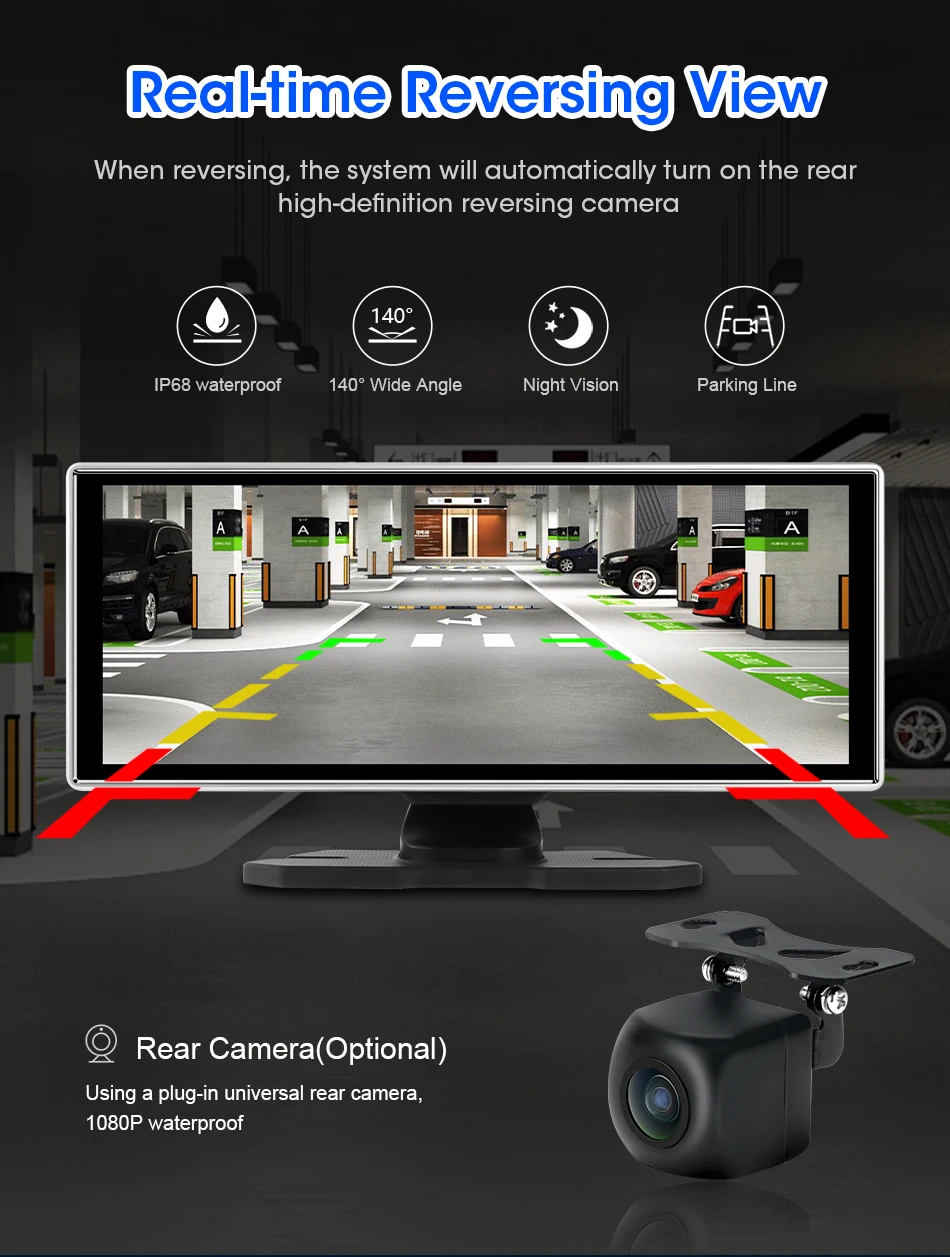
Rear Camera: Yes
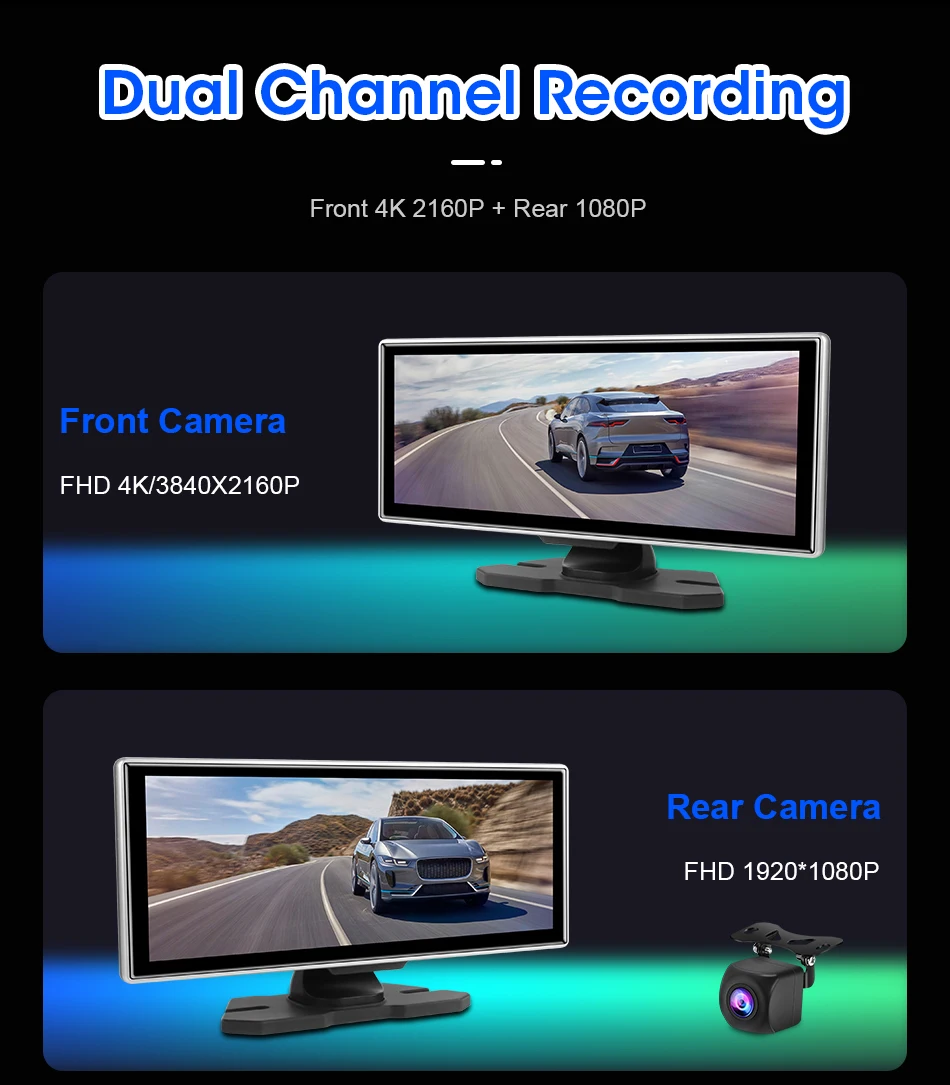
Rear View Camera: 1920*1080P
Screen Ratio: 16:9
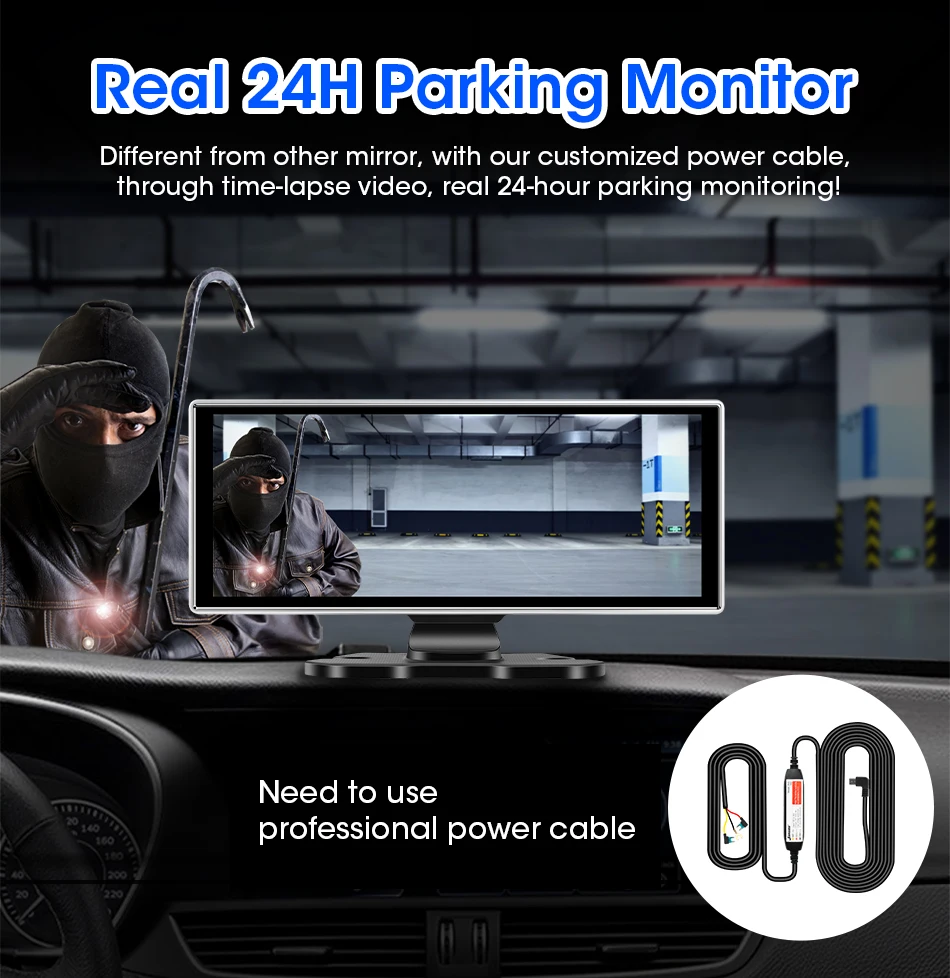
Special Features: G-Sensor,Digital zoom,motion detection,sd/mmc card,With Rearview Mirror,Anti Surge Voltage Impact,Waterproof,Anti Fog,Anti Vibration,Real Time Surveillance,Automatic White Balance,Wide Dynamic Range,wifi function,Bluetooth,Parking Monitor
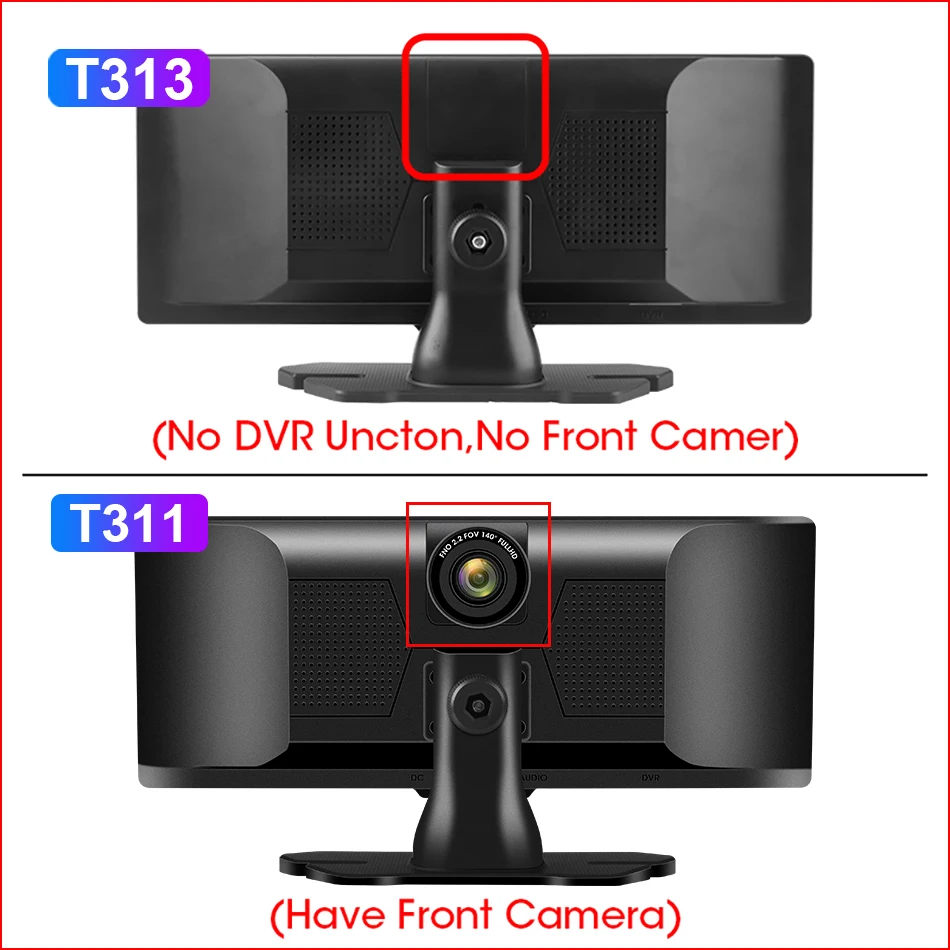
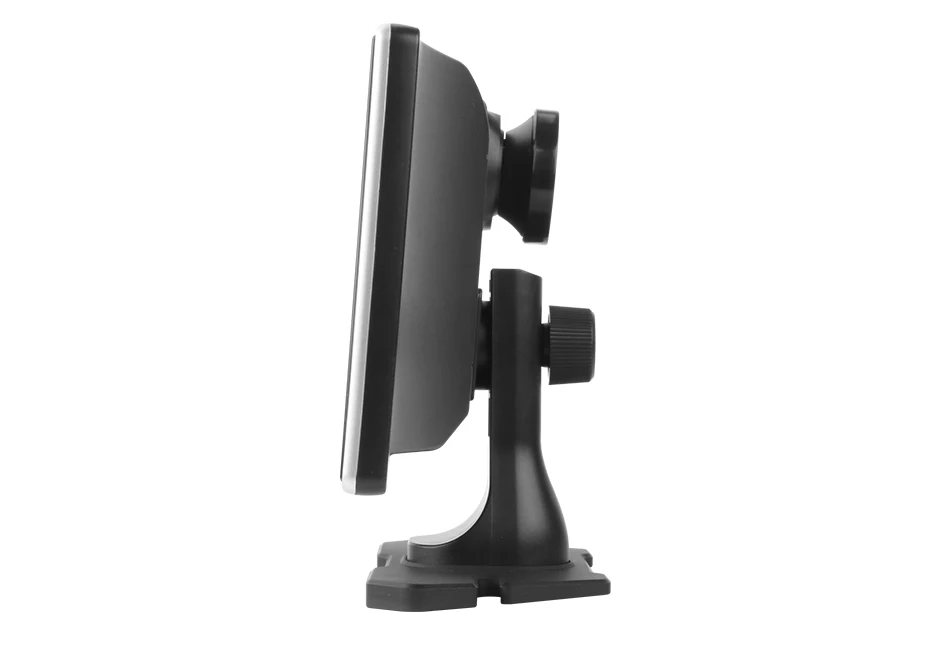
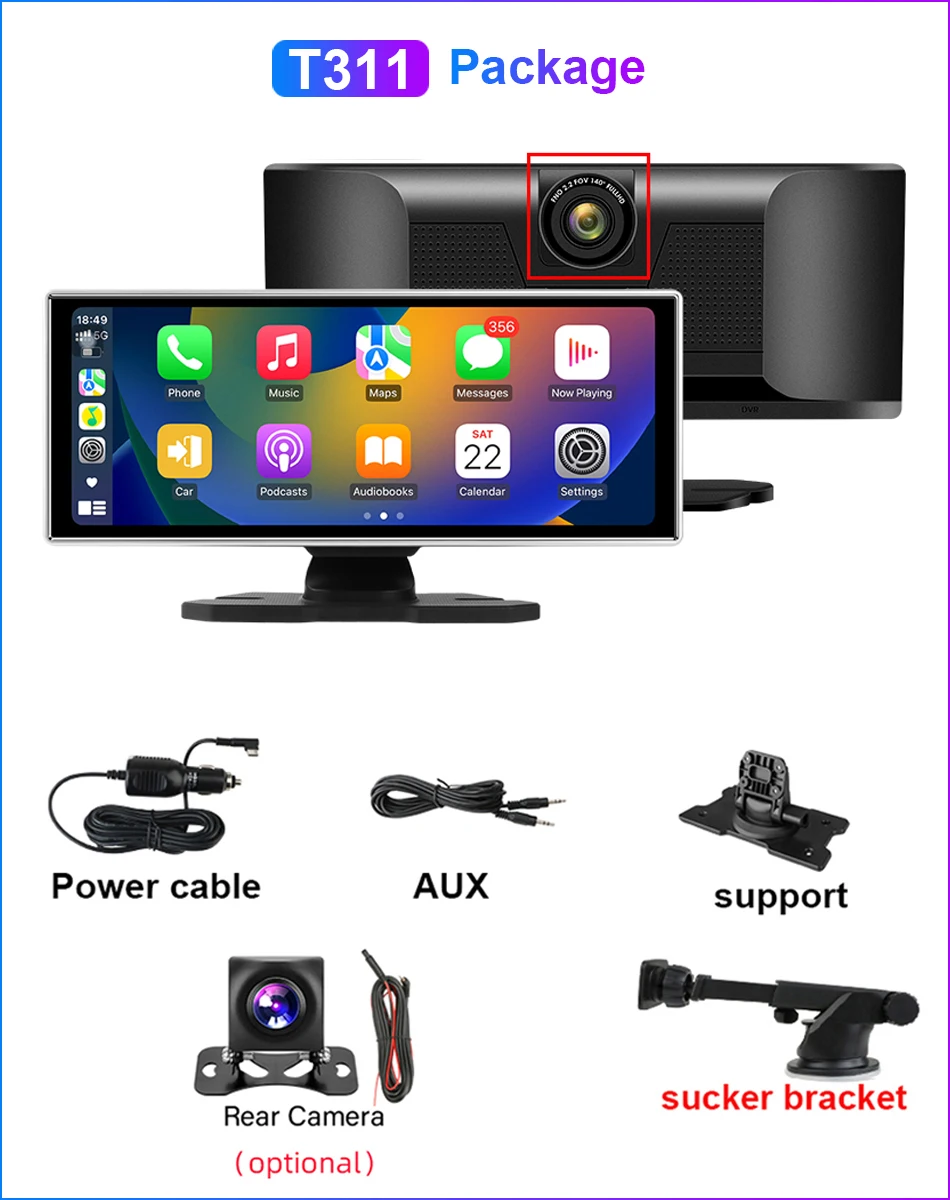
T311: 11.26 inch with DVR
T311 Front Camera: 4K 3840*2160P
T311 display: 11.26 IPS large screen
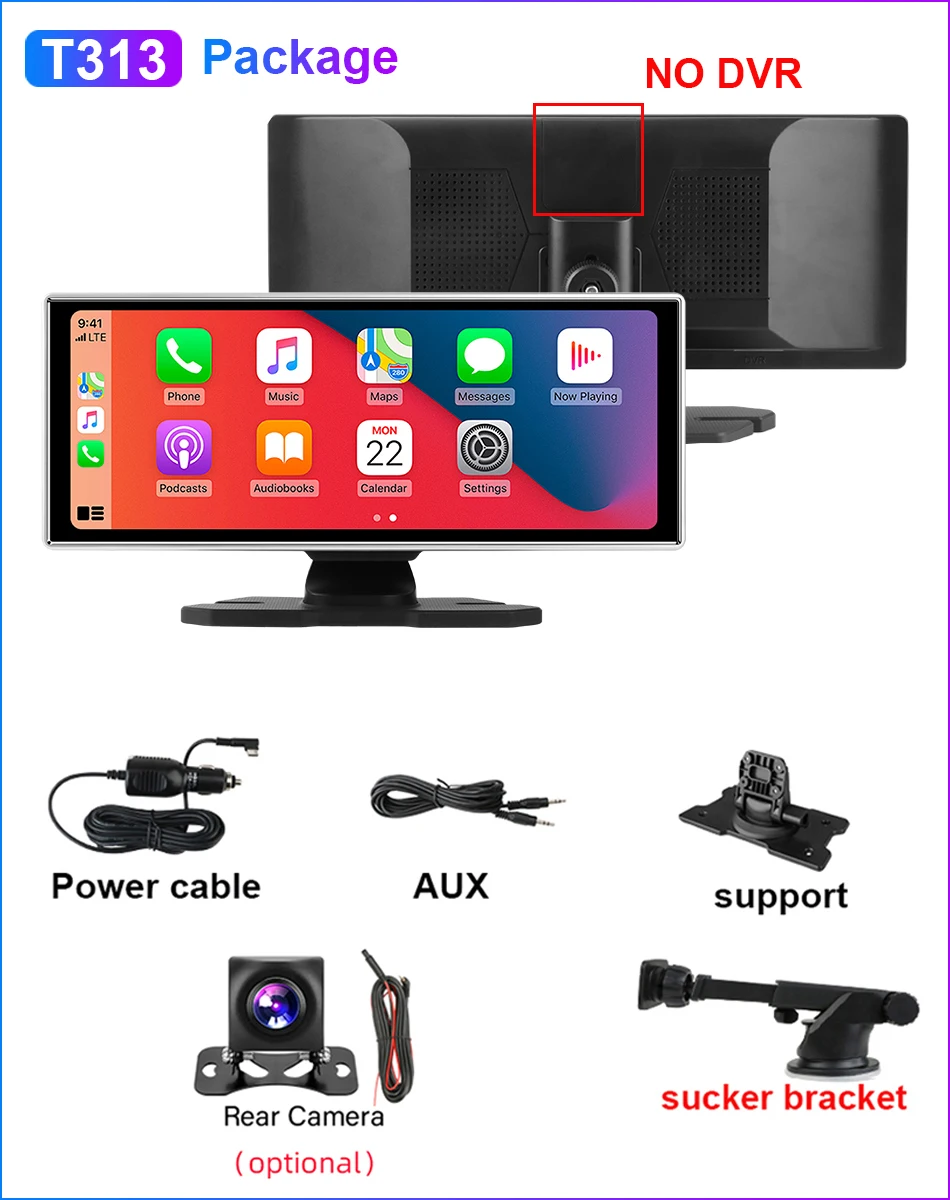
T313: 11.26 inch no DVR
T82: 7inch NO DVR
Touch Screen: Yes
Video Code: H.264
Video Format: TS,MP4
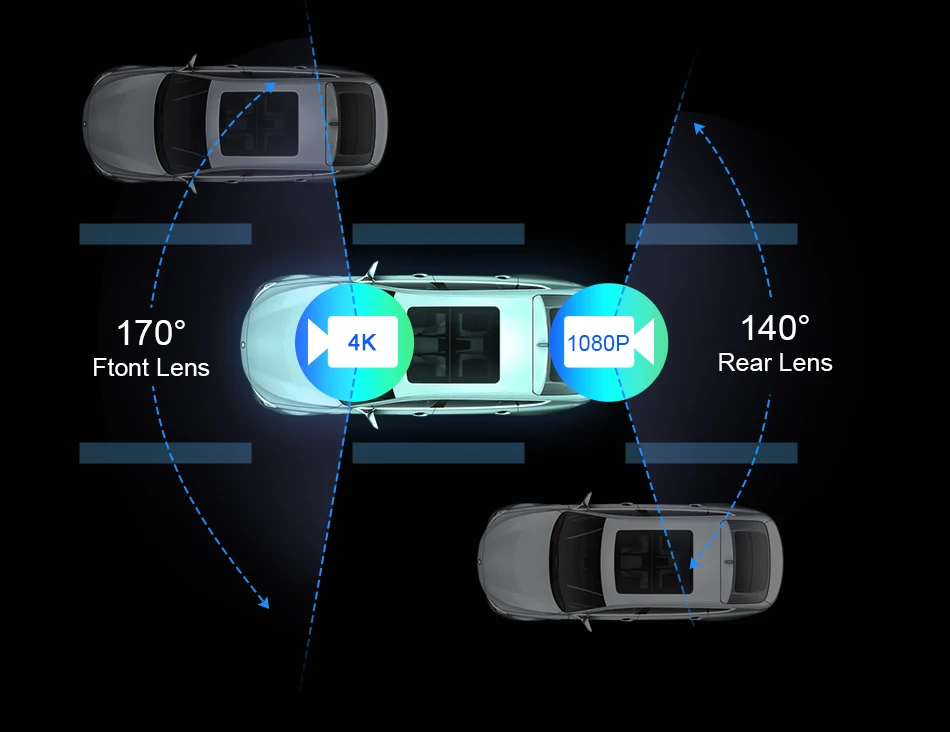
View angle: 140
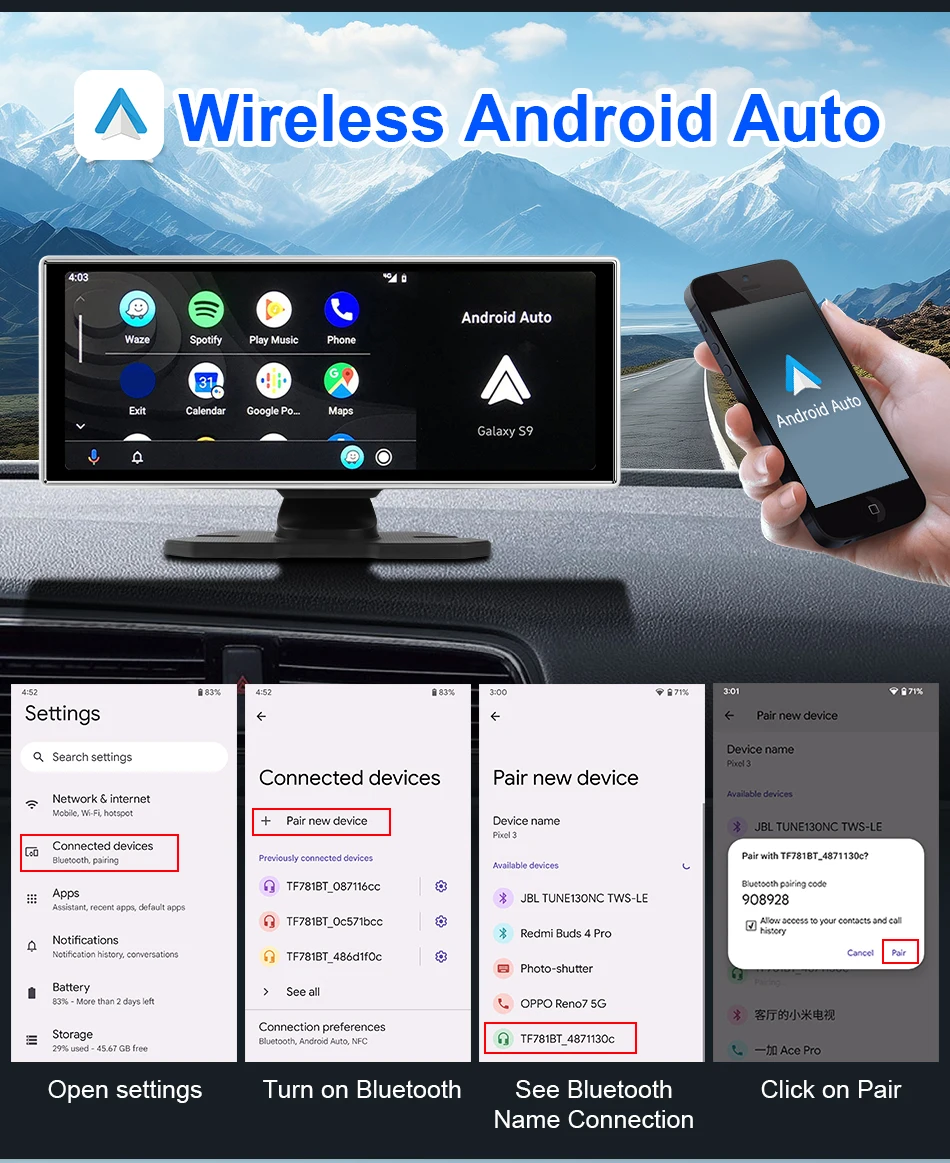
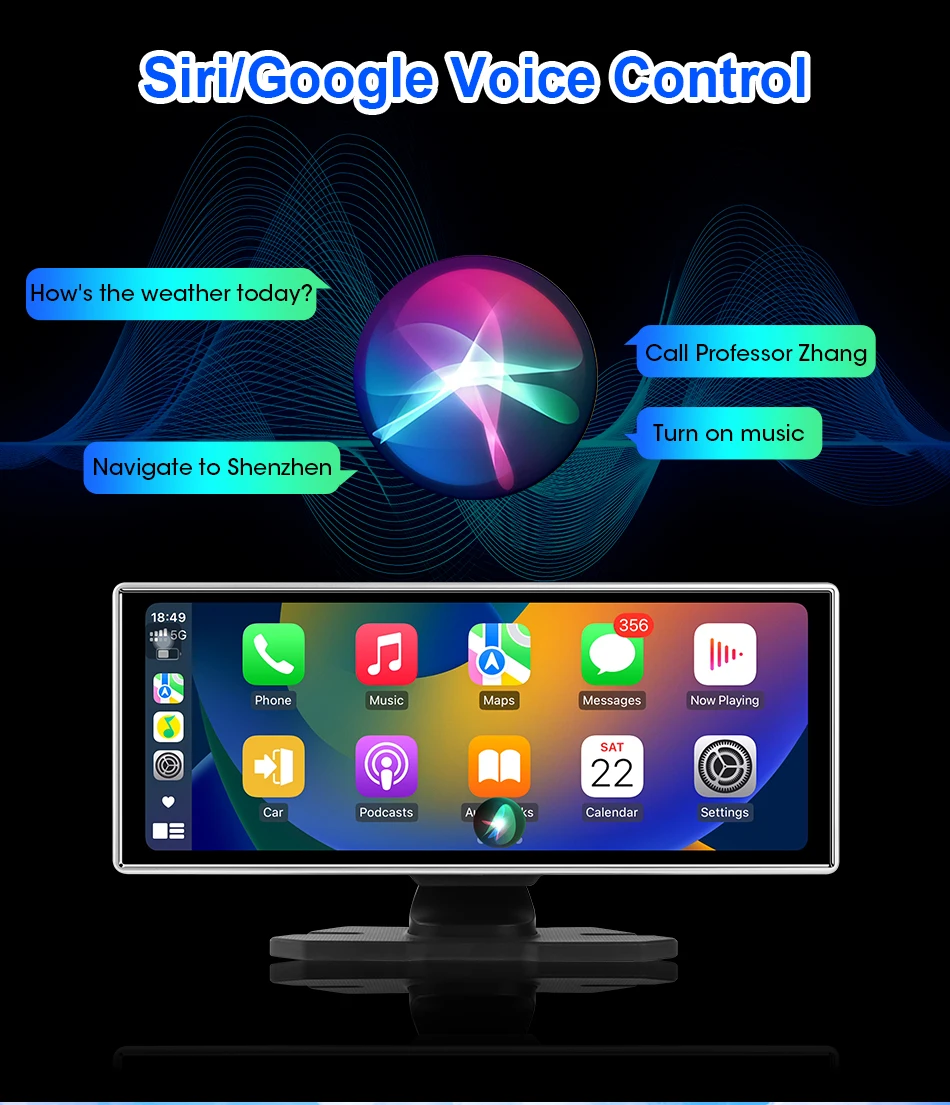
Wireless Android Auto: support
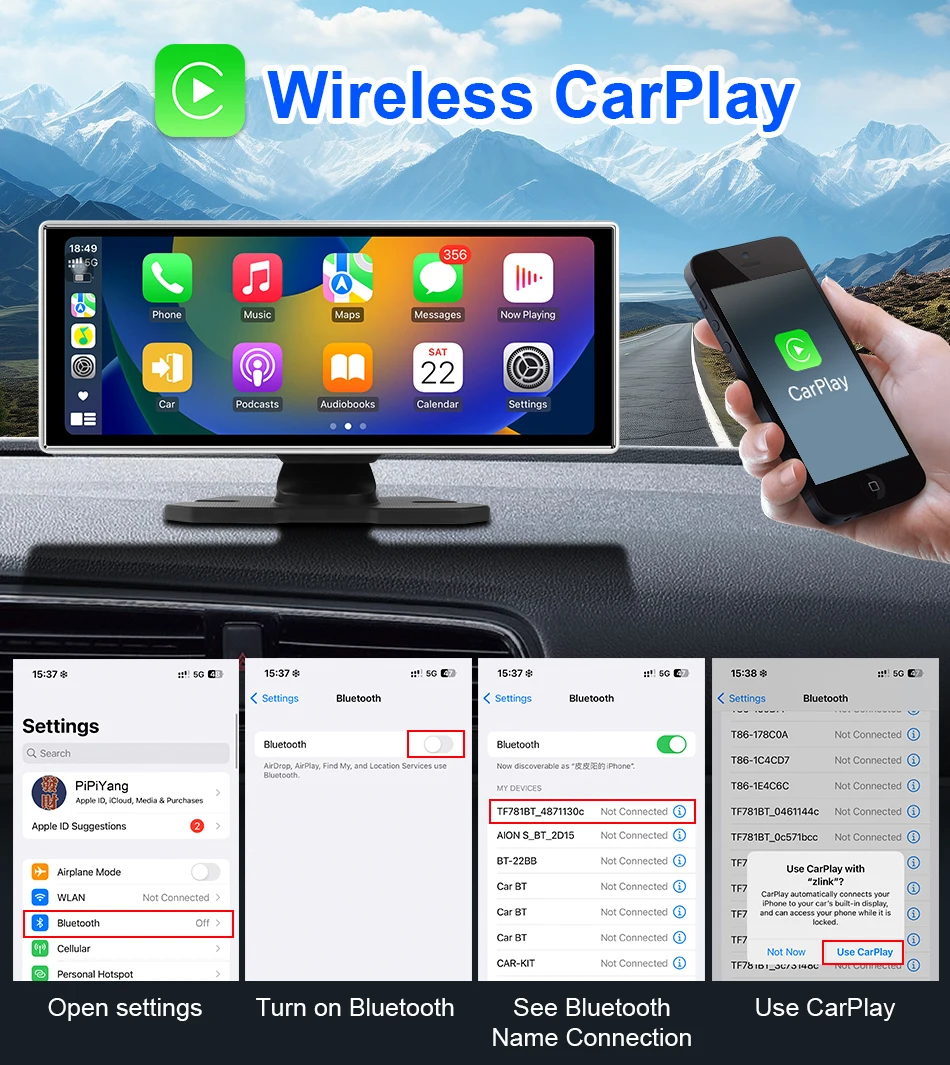
Wireless Carplay: support
dash cam: Rear view mirror
Please note that:
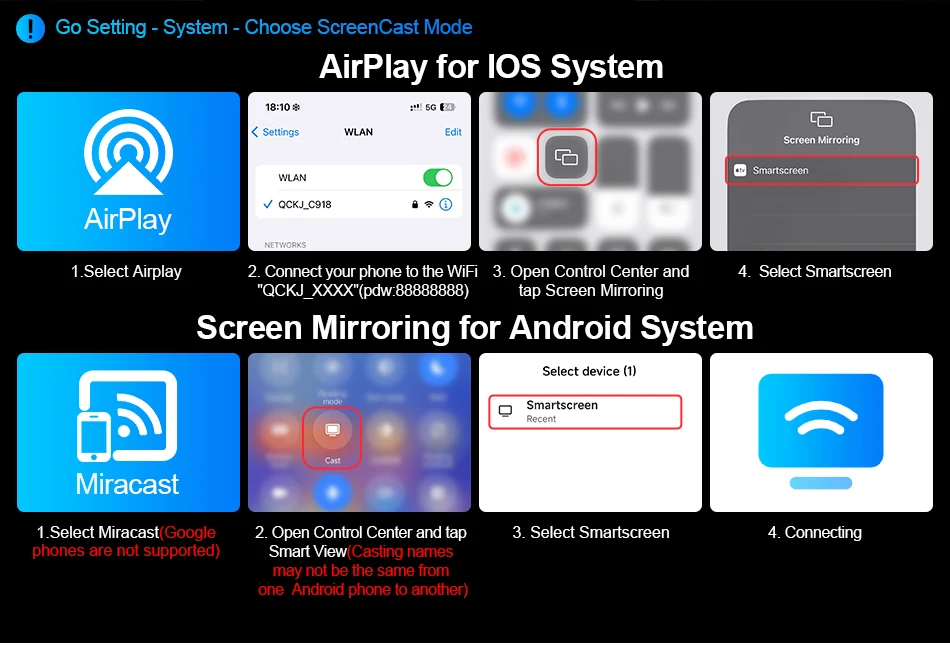
1. T82 is a 7-inch, NO DVR; T313 is 11.26 inches, NO DVR; Recommend: T311 is 11.26-inch with DVR.
2. Apple phone: IOS 10 or higher version;
Android phone: Android 11 or higher version.
Not compatible with Huawei phones.
3. Does not support other cameras. Suggest placing an order with the option to include a camera.
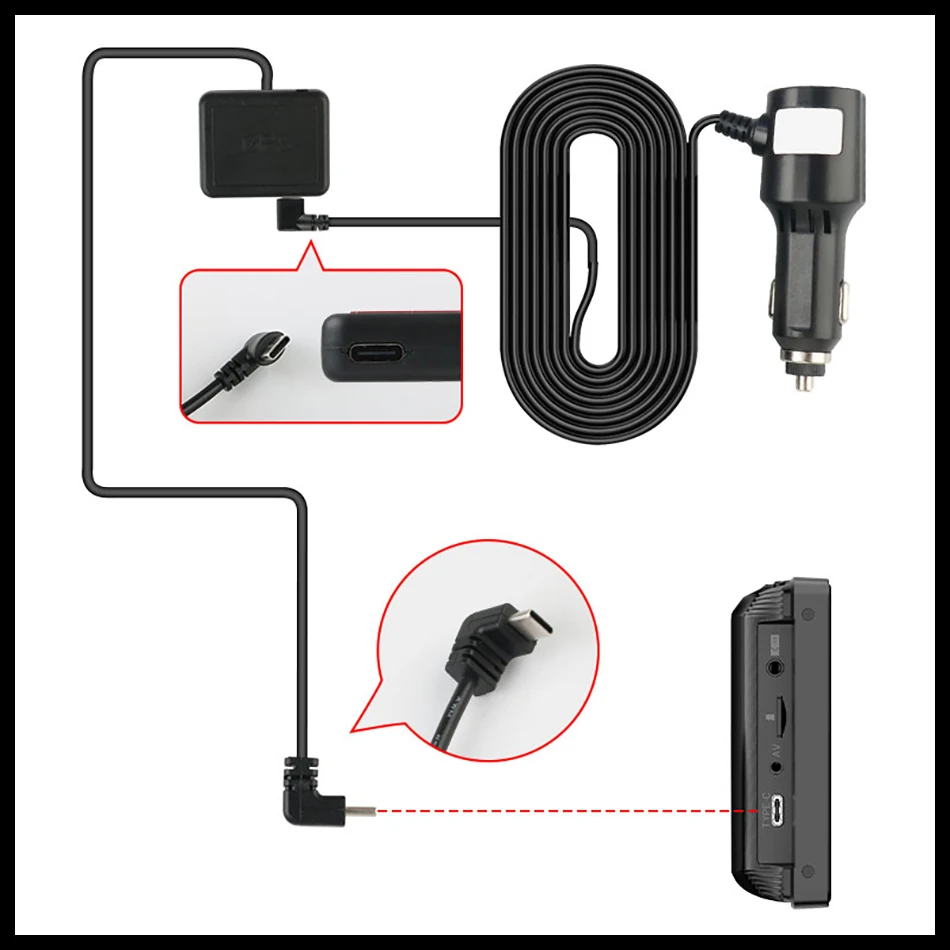
4. Upgrade the GPS interface to Type-C. The GPS connection is like the picture below.
FAQ:
Q: What versions of phones does Carplay/Android Auto support?
A: Apple phone: IOS10 or higher version; Android phone: Android 11 or higher version. Not compatible with Huawei phones.
Q: How to use the latest version of Bluetooth audio output?
A: Firstly, click on the audio output icon - select BT or Carplay audio output mode, and then use a phone connected to Carplay/Android Auto to connect to the vehicle's Bluetooth for sound synchronization.
Q: Why is there no sound on the Carplay screen?
A: There are four audio output modes: SPK (device built-in speaker)/FM transmitter/AUX/BT. The device will only emit sound when SPK mode is selected. If FM/AUX/BT is selected, the device will not make any sound.
Q: What is the function of the GPS module?
A: After inserting the GPS module and successfully connecting the GPS to the satellite, the DVR will display the speed. On the computer, when playing videos through the built-in playback software on the memory card, it will display speed, coordinates, and map.
Q: Why does the Carplay machine keep restarting automatically?
A: The main reasons for automatic restart are:
① The issue with the memory card. You can try replacing another memory card. Suggest purchasing our professional memory card.
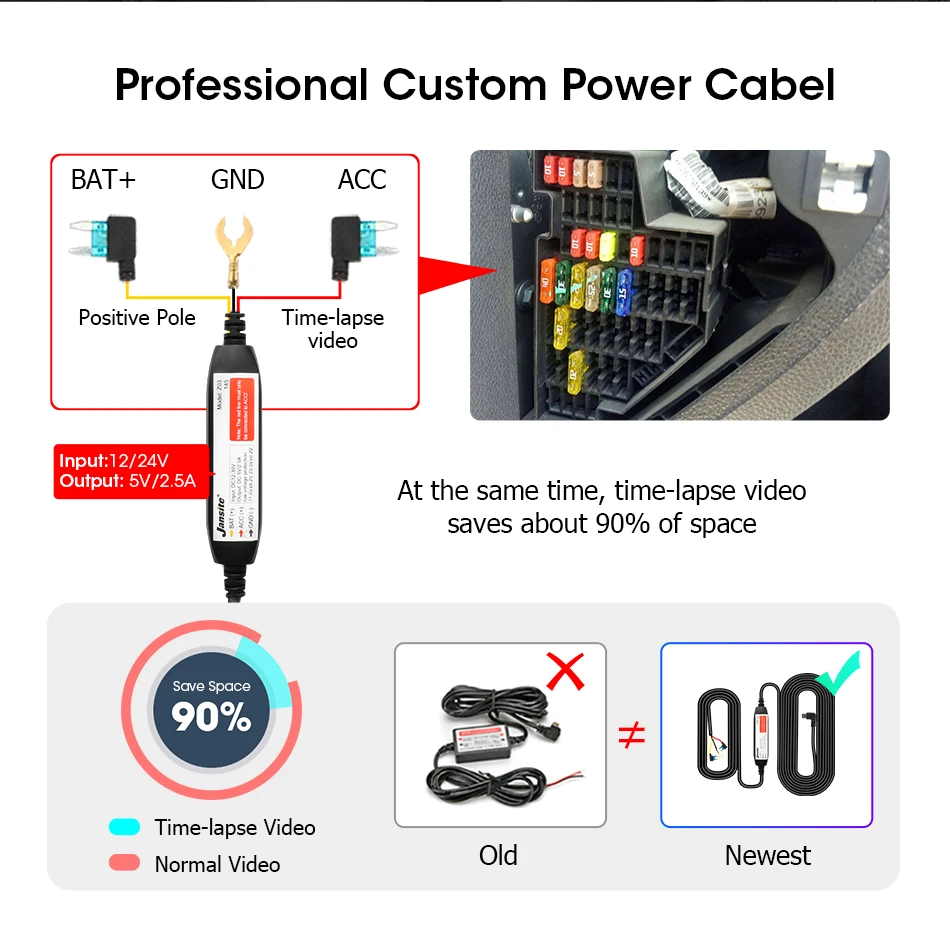
② Power issue. Firstly, please use the professional car charger we have sent to try turning it on. Do not use phone power cords or other power cords.
Q: Can I use the original car/other brand's rear camera?
A: No. Only supports our accompanying cameras. Suggest purchasing an option that includes a camera.
Q: Does it have an Android system? Can I use YouTube?
A: It doesn't have an Android system. Cannot use YouTube. Cannot download the app.
Q: Why is there noise in the AUX/FM output sound?
A: A few car models have AUX/FM noise issues, which are caused by signal interference or compatibility problems. Suggest using the latest Bluetooth audio output.


